


Everything your small business runs on, day to day.
The technology a small business needs, customized with your words.
Take orders by phone, by link or in your shop. Serve the people at the door and on the store's TV, follow up with your regulars, get paid and see the numbers. Change any of it by asking, and your records stay yours.
Instead of…
A separate subscription for every jobOrders, bookings, invoices, offers and the menu screen in one free app15–30% of every order to an ordering platformYour own order link, no commission; customers pay with your own pay linksPhone orders on paper and regulars kept in your headPhone Orders fills itself in, with your regulars' favorites on topYour customer list locked inside a vendorYour records on your own devices, yours to keepNo developer to change anythingChange any app by asking, in your own words
Orders by phone, and offers for your regulars
New in the Gallery. Phone Orders and Customer Offers are Gallery apps; Studio Caller ID is an Android add-on for the phone that rings.
📞 Phone Orders
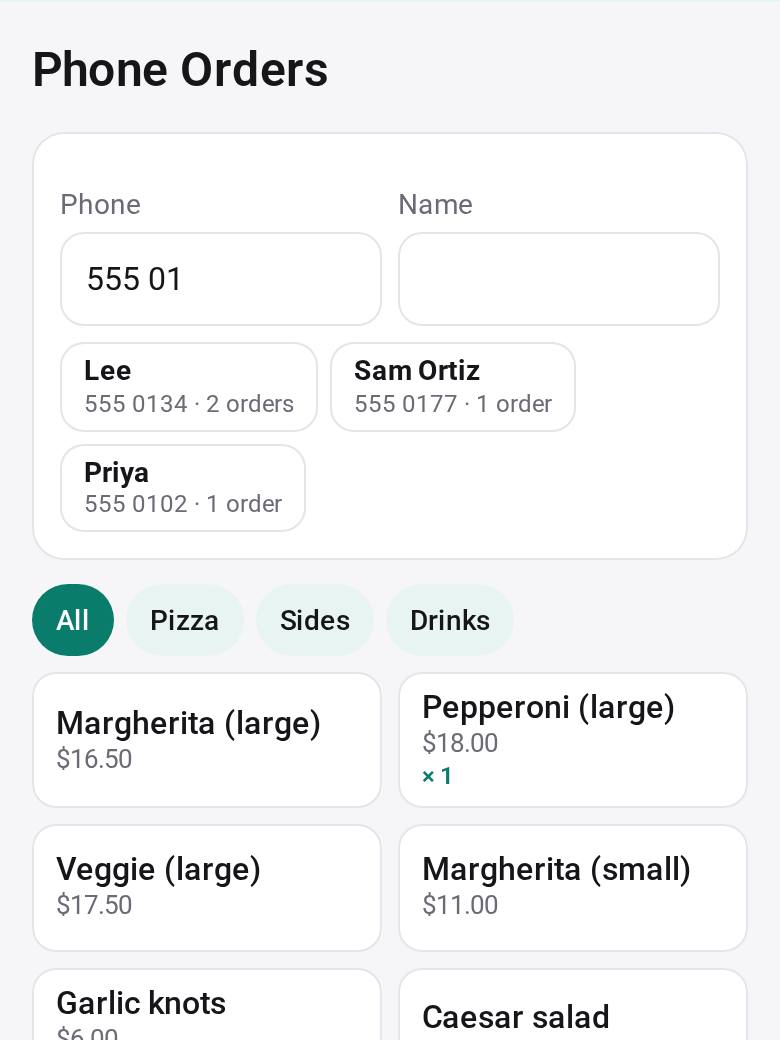
Tap the order while the caller talks, or say or type it after the call and it fills itself in. A regular's favorites and recent orders come up on top, and “OK to text offers?” is asked during the call. Read it back, save it, and follow it to Ready with a text.
📞 Studio Caller ID
An Android add-on for the shop's phone that rings. It sends each caller's number, sealed end to end, to the iPad, computer or phone where you take orders, so the order starts with the number filled in. Calls ring as usual: it never blocks or records a call.
🎁 Customer Offers
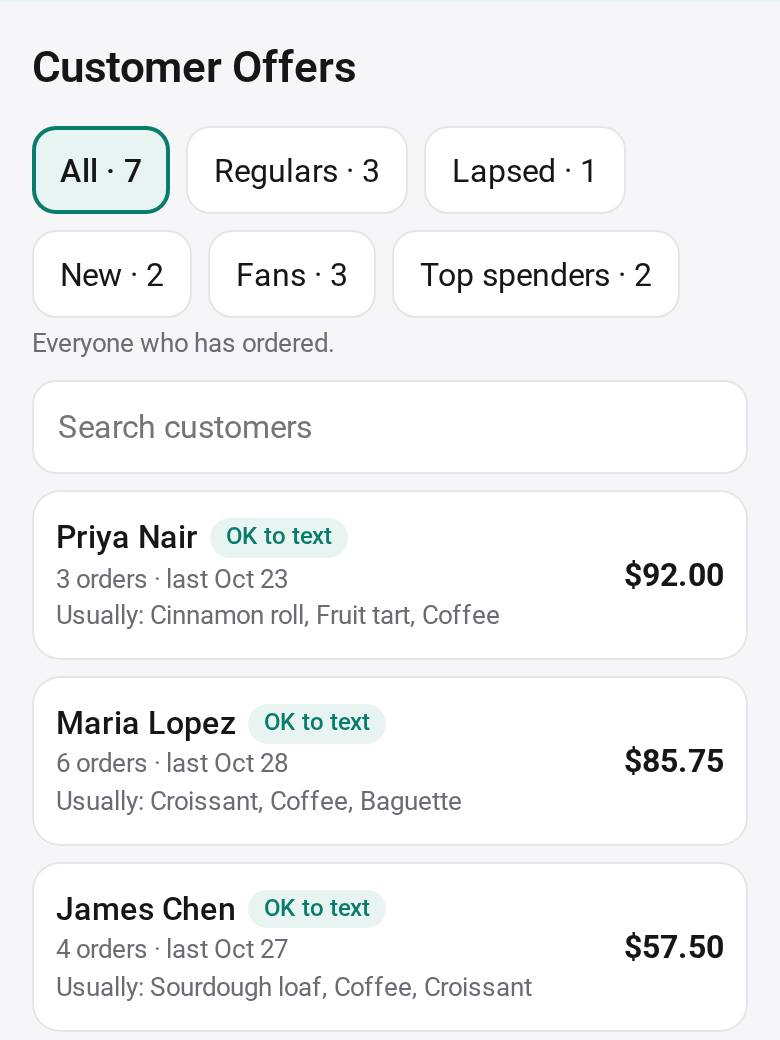
Offers for your regulars, lapsed customers or fans of an item, from your sales apps. Consent comes first: only people who said yes get a text, one at a time from your own phone, with “Reply STOP to opt out”. Then see who used each offer, and the sales since.
See it in about a minute
A café's day with the Gallery's example data: an order from a link and one by phone, the menu and its combos on the TV, what is running low and each supplier's order, an offer to the regulars who said yes, a payment, and who your customers are.
With narration and captions in English.
Your own homepage, in five minutes
Make a one-page site on your phone, in the style of a site you like, and publish it free at your-name.palmtop.page. Visitors need nothing.
About 40 seconds, with narration. Made with the Gallery's example people and businesses.
A small business's day, in five steps
Each app can read what another recorded, once you tap Allow: orders from the phone, the shop and your links add up in Customer Insights and the Tax Year Pack, and your customers become the people you send offers to.
-
1
Take orders
📞 Phone Orders
By phone, by link or in your shop. On a call, tap the order as they talk, or say it after the call and it fills itself in; read it back, and text them when it's ready. Customers can also order from a link in their browser, with nothing to install, and follow their order's status.
Try Phone Orders →Studio Caller ID for the shop's phone →▶ Watch the Short on YouTube
Also:
- 🏪 Shop
- 🥬 Order Form
- 🧾 Quotes & Invoices
- 🧺 Group Order
- 📋 Sign-up Sheet
- 🚚 Delivery Route
-
2
Serve
🍽️ Menu Board
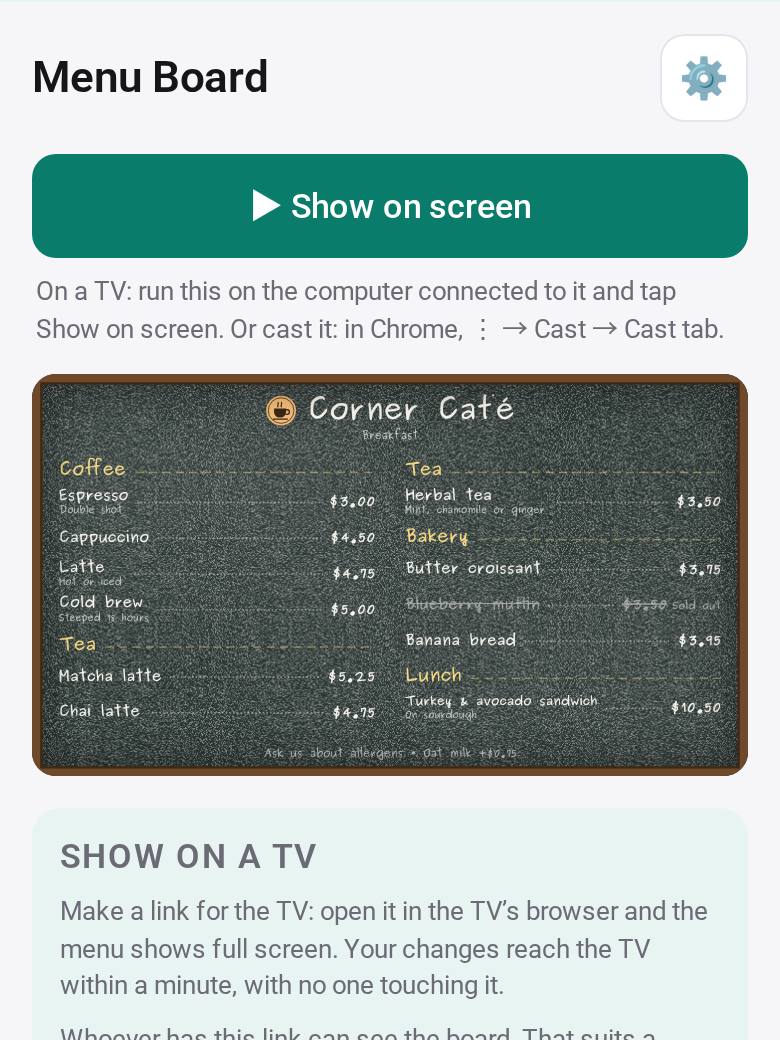
Your menu on the store's TV, with sizes, allergens and what is sold out, and notices in the hall: from a link in any TV's browser, or with Studio Screen on a Google TV. Guests join Waitlist from a QR code at the door. Bookings takes appointments on one link. Music for the time of day, and who works which days.
Try Menu Board →Studio Screen, the TV app →▶ Watch the Short on YouTube
Also:
- ⏳ Waitlist
- 📅 Bookings
- 📌 Notice Board
- 🎵 Store Music
- 📋 Shift Board
-
3
Follow up
🎁 Customer Offers
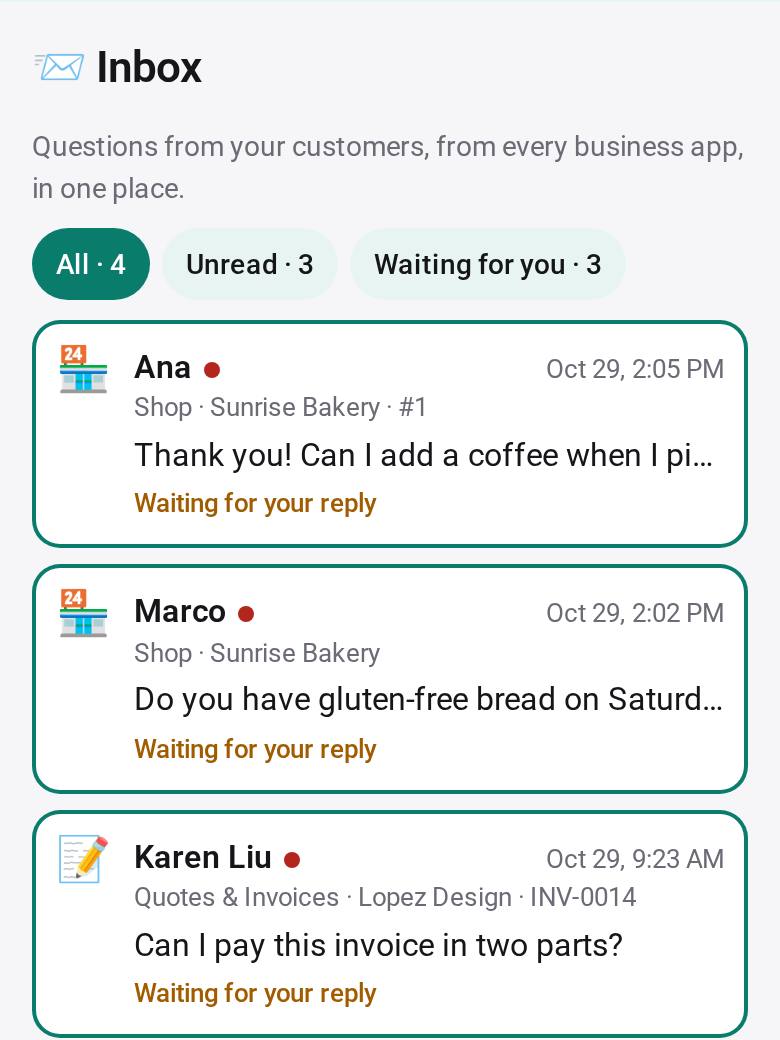
Customer Offers texts an offer only to the people who said yes, one at a time from your own phone, with “Reply STOP to opt out”, and shows who used it. Customers can ask a question right on their order or booking; you answer every question in Inbox.
Also:
- 📨 Inbox
-
4
Get paid
💳 Payments
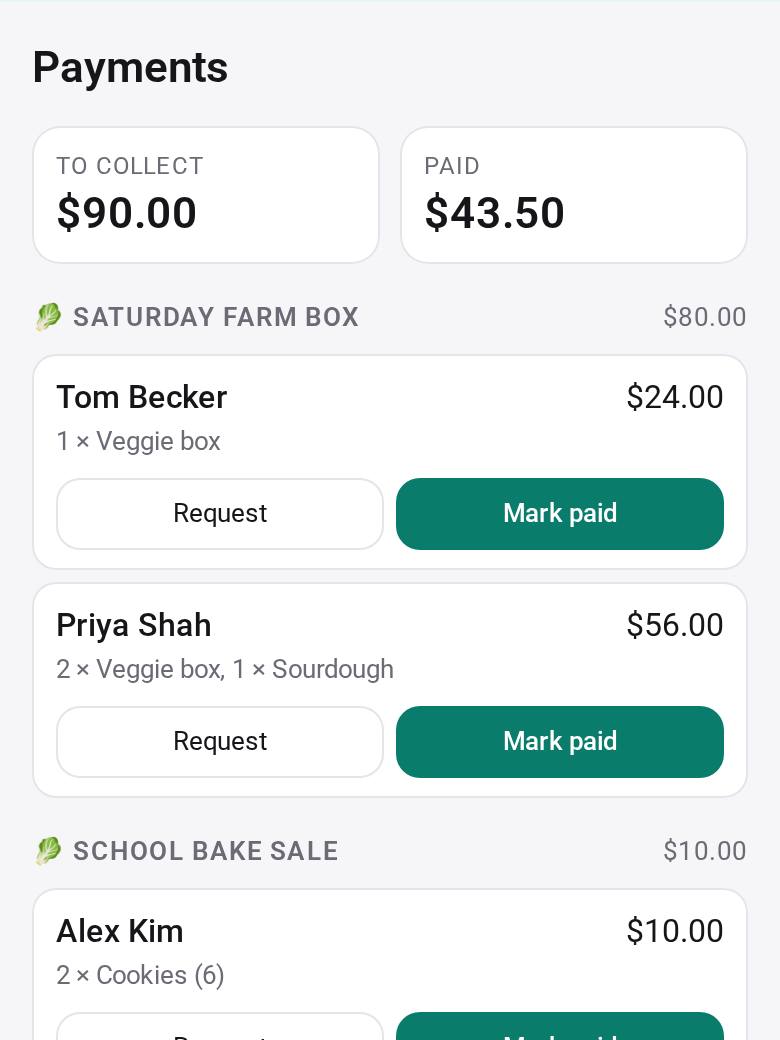
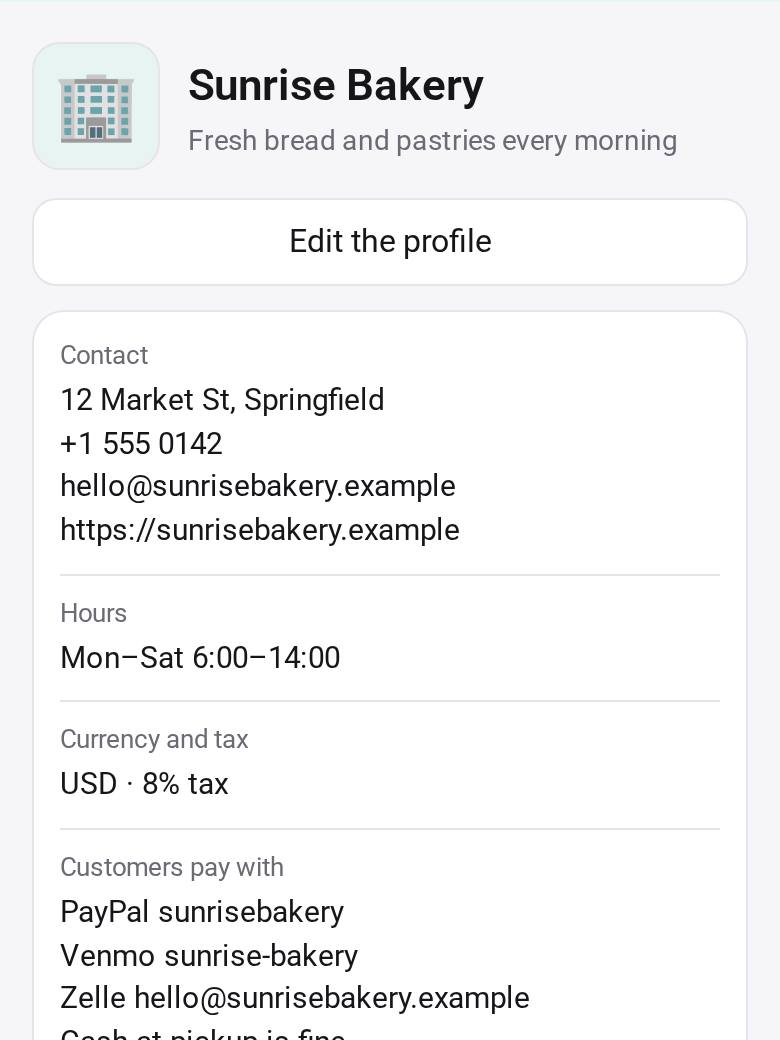
The customer's page shows how to pay you, with the amount filled in: PayPal, Venmo, Cash App, Zelle or your payment link. They tap I've paid and you confirm. Set your details once in Business Profile.
Also:
- 🏢 Business Profile
-
5
See the numbers
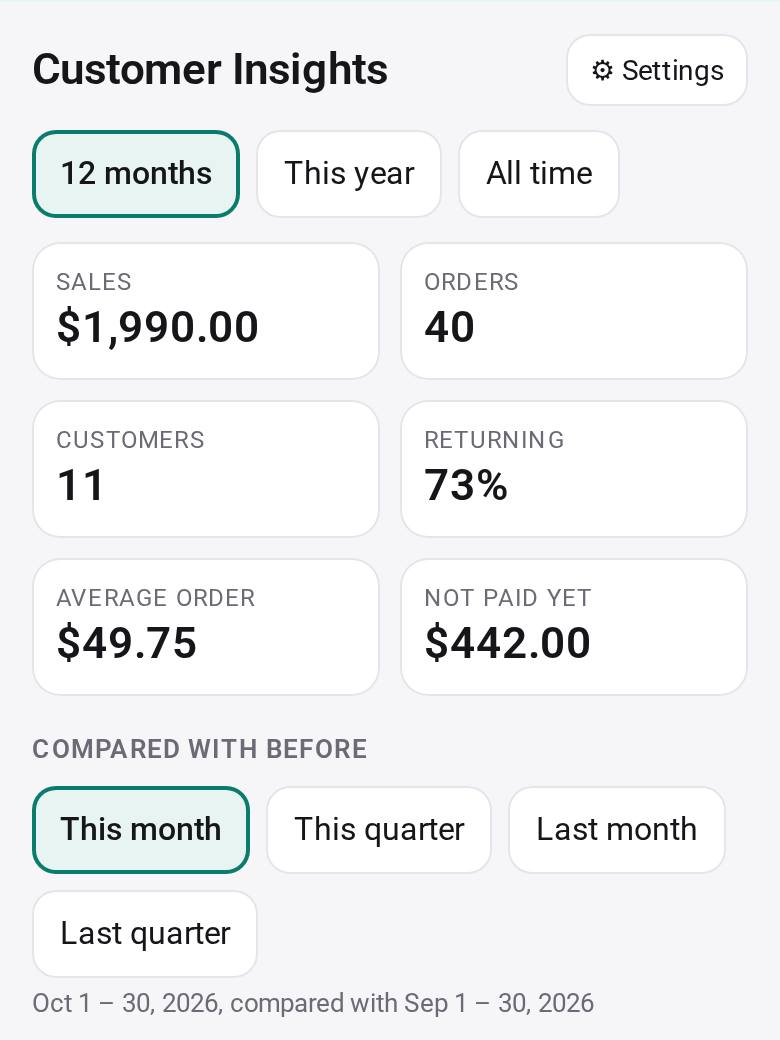
📊 Customer Insights
One view across all your selling apps, phone orders included: who buys, what sells, who has not paid, and regulars who have gone quiet. Through the year, your income and expenses land in the lines of the tax form, ready for your accountant. A summary, not tax advice.
Also:
- 🧮 Tax Year Pack
- 🧾 Receipt Keeper
- 🚗 Mileage Log
- 💼 Side Income
- 🔁 Subscriptions
✨ Close the day in one ask
The Assistant works across Shop, Payments, Bookings and Timesheet: “close today: who hasn’t paid, remind tomorrow’s bookings.” It shows you the plan first, the messages come back for you to send, and nothing changes until you tap Do it.
New in Studio
Live now: questions from customers and one Inbox to answer them, notifications in the iPhone and Android apps, a TV app, and more for your store's screens, signs and deliveries.
New orders and new questions from Shop, Order Form, Bookings, Quotes & Invoices, Group Order and Sign-up Sheet notify you in the iPhone and Android apps (1.0.23) and in Studio on the web. Turn them on in each app.
Customers tap “Ask a question” on their order or booking in Shop, Order Form, Bookings, Quotes & Invoices, Group Order and Waitlist. Only you and that customer can read it, and a question never changes the order. Call and WhatsApp buttons too, and a video-call link (Meet, Zoom, WhatsApp) on confirmed bookings.
Every question from every app in one list, unread first, with saved replies, one tap to open the order, and Continue in WhatsApp, text, email or a call with your reply filled in. About Inbox →
Shows a TV link from Menu Board, Notice Board or Waitlist full screen on a Google TV or Android TV, pairs with your phone by a QR code, and opens the board again by itself after a power cut. Free on Google Play, or as an APK from our site. About Studio Screen →
Menu Board shows sizes with their prices (S, M, L) and dietary and allergen marks with a key made for you; Shop shows the marks too. An urgent notice fills every TV at once, wide 1080p TVs get a side panel, and a playlist takes turns between several boards on one TV link.
Sign-up Sheet, Event RSVP and Poll make a QR code and a sign to print for the wall or the counter. When a sign-up slot is full, people can join its waitlist.
Sort the day's stops by area and reorder them, paste a list of stops or take a photo of one, and keep a proof-of-delivery photo on your phone.
For shops where several people take and prepare orders: one shared order desk for the owner, the cashier and the kitchen. Team apps can be shared from Studio for computers 0.5.0. How Studio for Teams works →
Doesn't do something you need? Ask Studio to change it.
Every app here is a starting point. Say what you'd change in plain words; History keeps every version, so any change can be undone.
- Phone OrdersAdd a flat delivery fee to delivery orders.
- Menu BoardShow the menu in English and Spanish, one page after the other.
- Quotes & InvoicesAsk for a 30% deposit when a quote is accepted.
Check the numbers on a money change once; History takes you back in one tap.
Changes are made by AI: a free starter AI, limited per day, or add your own key.
Your records stay yours
Orders, customers and receipts are your business's records. They live with you, not on our servers.
What we offer
23 apps for running a small business, by step. Each one works on its own, and better with the others.
1Take orders
📞 Phone OrdersTake orders by phone in a few taps, or say the order after the call and it fills itself in; read it back, then follow it to Ready with a text
 🏪 ShopYour menu on one link: customers order in their browser and the orders come to your phone, no fees
 🥬 Order FormTake orders with a link: customers order in their browser, and you see every order, the total and what to prepare
 🧾 Quotes & InvoicesSend a quote, see when it is accepted, and when the invoice is paid
 🧺 Group OrderBuy together from a farm or any seller: neighbors order on one link, you send one combined order and see who paid and who picked up
 📋 Sign-up SheetOne link, slots people sign up for: dishes, shifts, seats. Watch each slot fill up, with an optional fee
 🚚 Delivery RouteYour deliveries in order: take the day's delivery orders, open the route in your maps app, text each customer you're on the way, and mark each stop delivered
2Serve
🍽️ Menu BoardShow different menu categories on multiple TVs, with shared prices, photos, sold-out updates and time-of-day menus
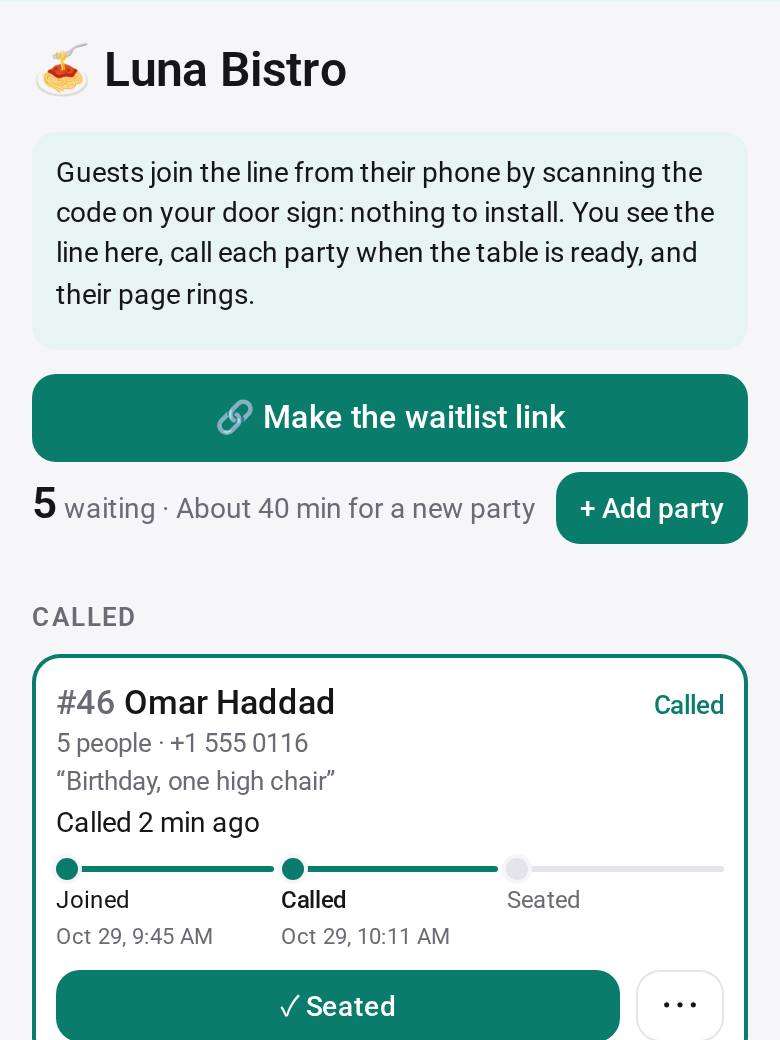 ⏳ WaitlistA wait line from a QR code at the door: guests see their place and wait on their phone, and their page rings when you call them
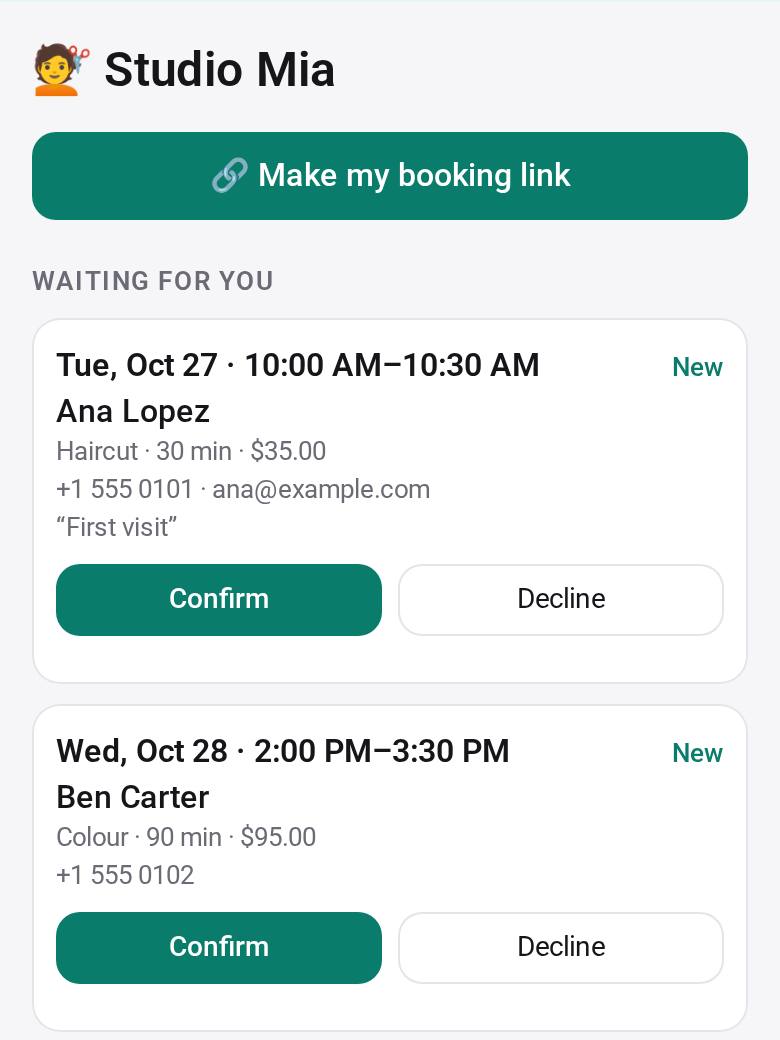 📅 BookingsAppointments on one link: customers pick a free time in their browser, you confirm, and your day shows who is coming
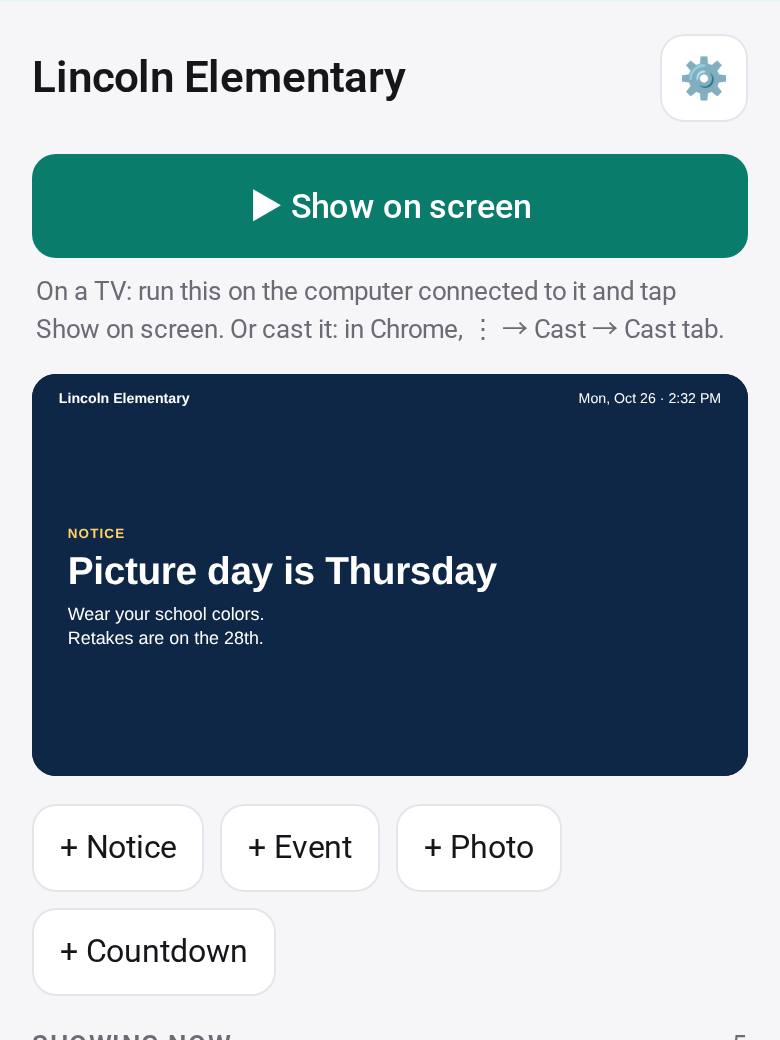 📌 Notice BoardPut notices, events, photos and countdowns on the TV in your school, office or shop, each shown between the dates you pick
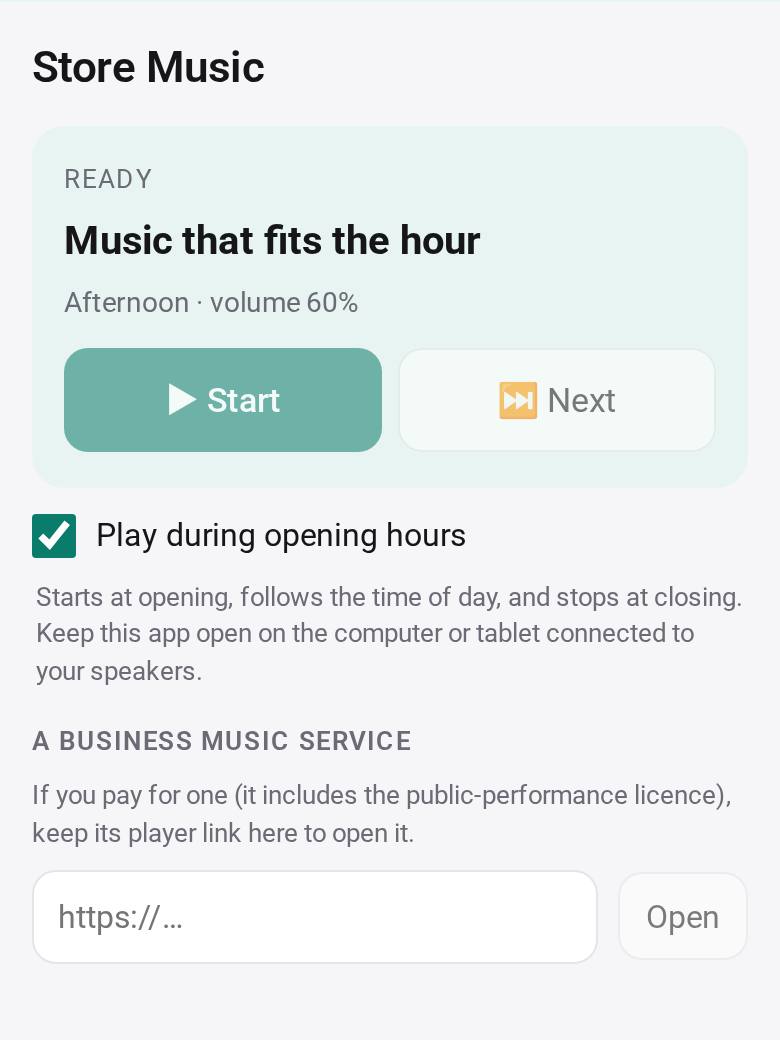 🎵 Store MusicPlay music that fits the time of day in your store, at the right volume, from opening to closing
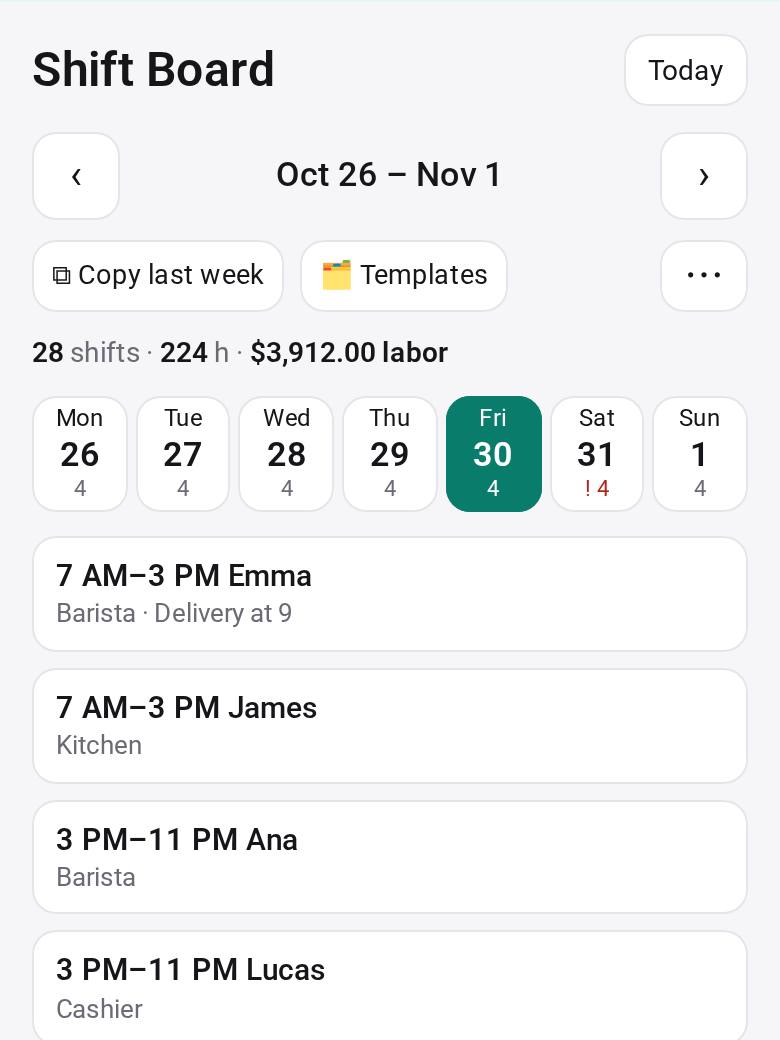 📋 Shift BoardYour staff schedule with shift times and roles: copy last week, print it, and staff see their own shifts and ask for time off on a link
3Follow up
4Get paid
5See the numbers
📊 Customer InsightsSee who your customers are: who buys, how often, what sells, how this month compares, with tags, notes, duplicates to merge and follow-up reminders
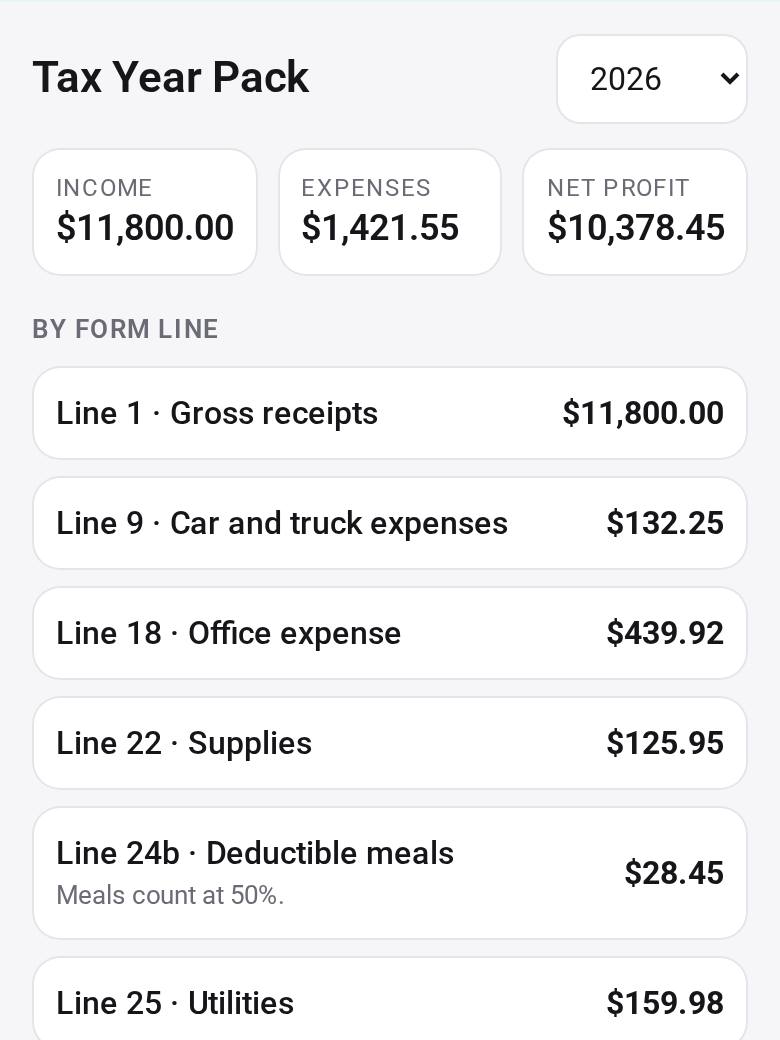 🧮 Tax Year PackGet your year's business income and expenses sorted into the lines of the tax form, ready for your accountant
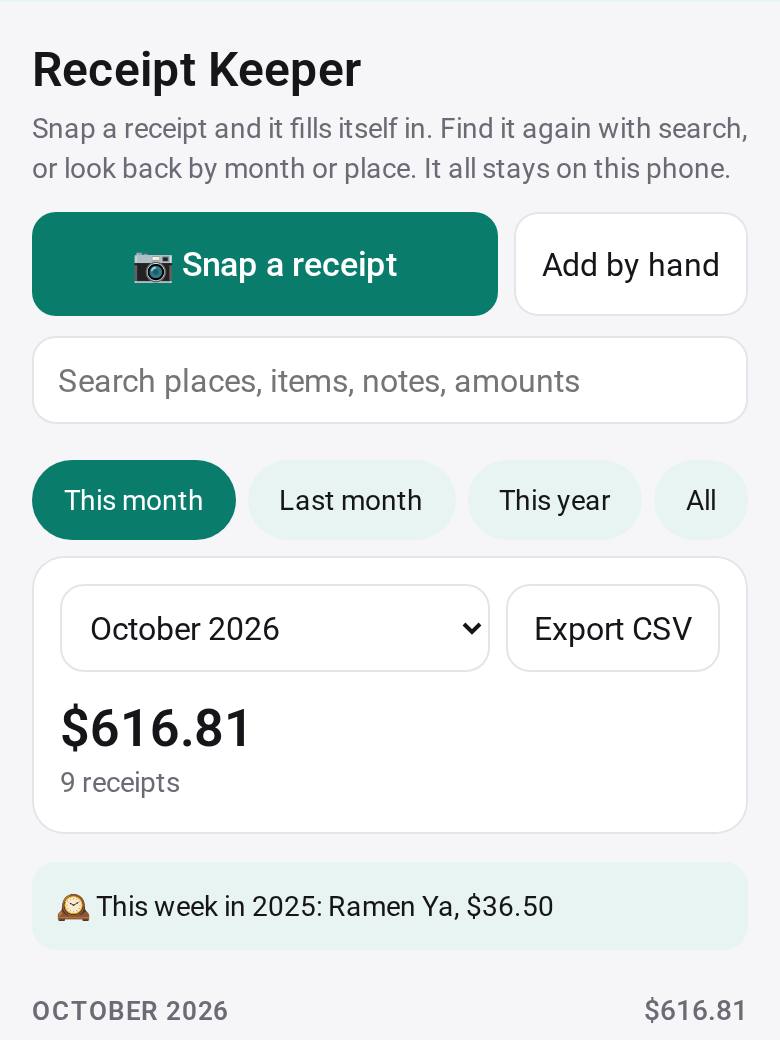 🧾 Receipt KeeperSnap receipts, find any one in seconds, and look back by month or by place
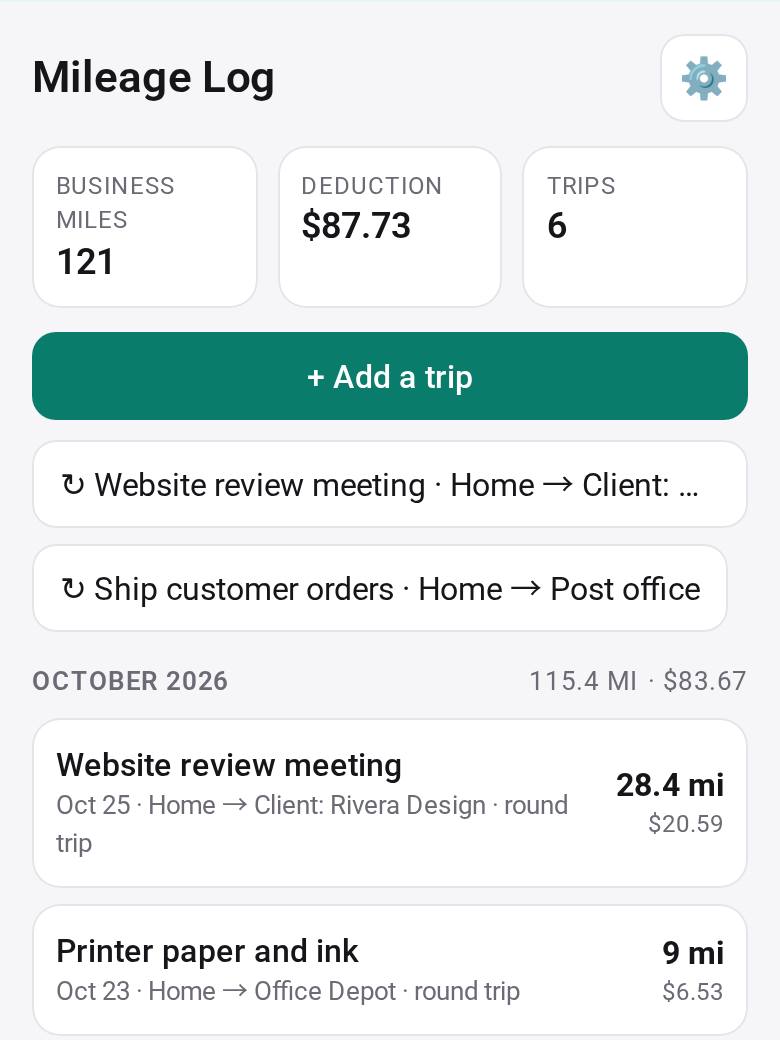 🚗 Mileage LogLog the trips you drive for work and see the deduction at the standard rate, ready for your tax return
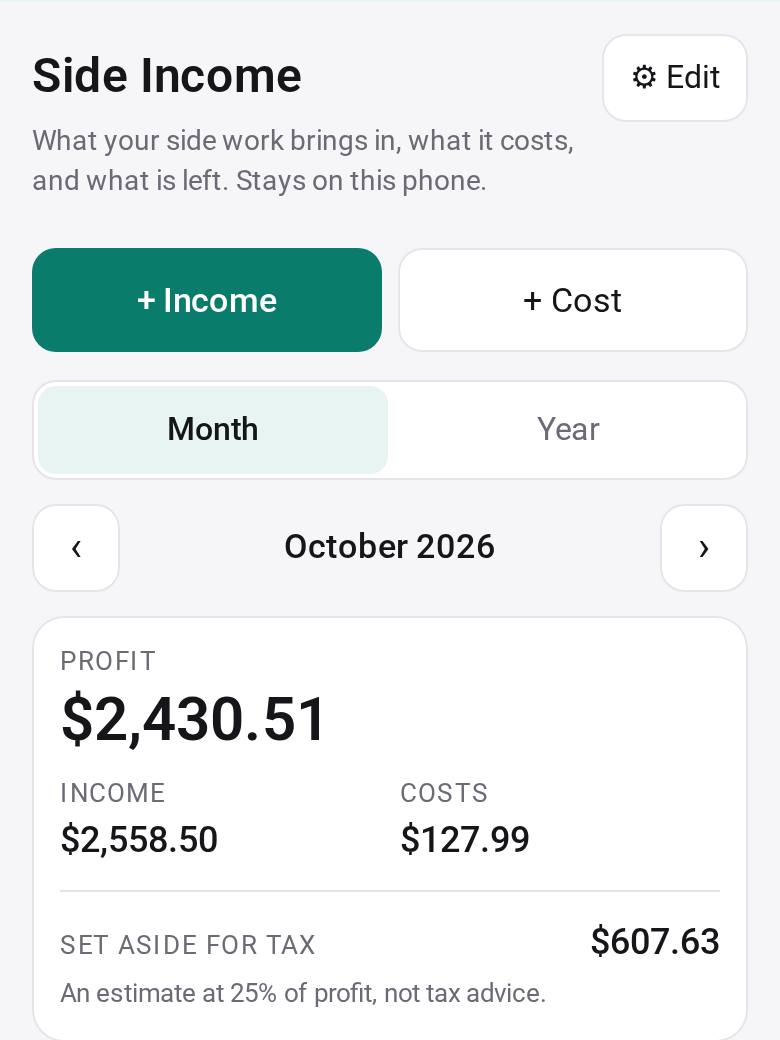 💼 Side IncomeKnow what your side work really earns each month, and what to set aside for tax
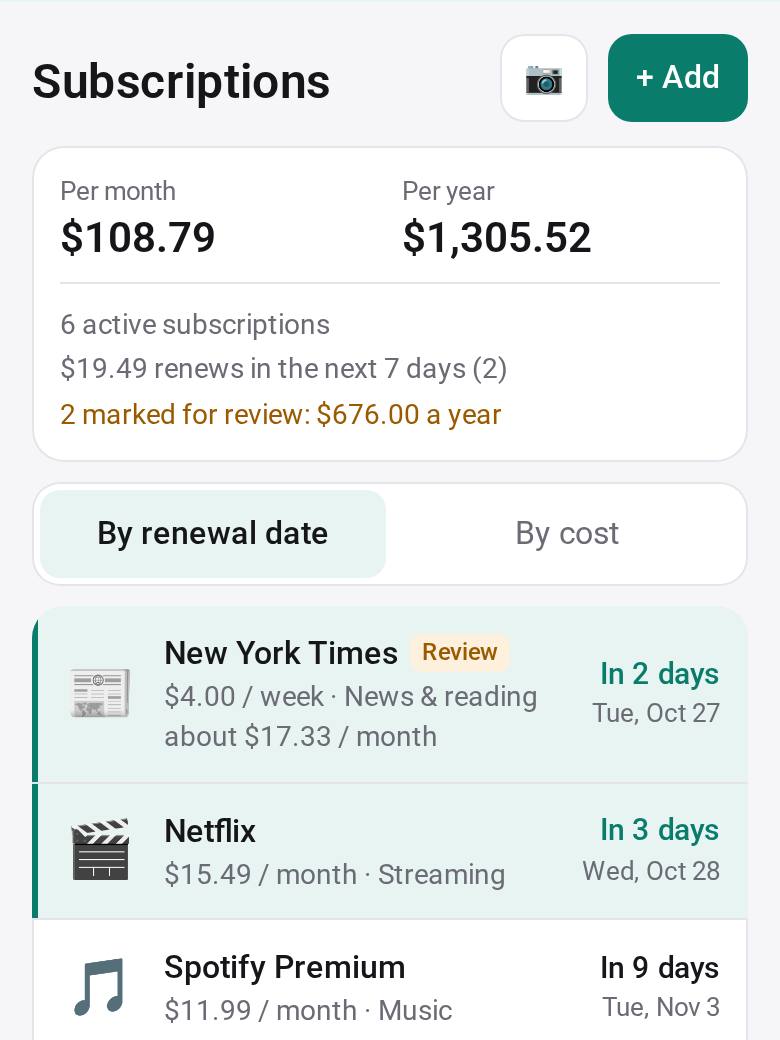 🔁 SubscriptionsSee what you pay every month, and get a reminder before each renewal
Coming next
Not built yet, and no dates: each one ships when it is good enough to use every day.
Your hours, services and contact on one page, with links to your shop and bookings.
Counts, low-stock alerts and reordering from your suppliers.
A loyalty card, and review requests sent from your own phone or mail app.
What we don't do, and what works with it
Studio covers the everyday parts of running a business. For the regulated and physical parts, keep the providers you already use.
We don't process cards. Your customer pages show your own PayPal, Venmo, Cash App or Zelle details, or your own payment link; keep Square, Stripe or your bank's terminal for cards.
Shift Board plans who works when. Pay your staff through your payroll service.
Tax Year Pack and Mileage Log prepare a summary for your records and your accountant. They are not tax advice and file nothing.
Store Music plays files you have the rights to play in your business (licensed, royalty-free, or Creative Commons that allows commercial use), or opens a business music service you pay for. Personal streaming plans are not for business use.
Phone Orders doesn't answer, block or record calls. Your phone rings as usual; Studio Caller ID only passes the caller's number to your order device.
Customer Offers doesn't send texts for you or in bulk. Each text opens in your own messages app, one at a time, only for customers who said yes.
Start with one app
Studio is free on your phone, in your browser and on your computer. Open the Gallery and add Shop or Order Form first.
Studio for your computer: macOS, Windows, Linux · All the apps
Set Studio up for the businesses you serve
For consultants, IT helpers and agencies who look after a shop's tools. We keep tuning these apps for businesses; builders take them further for each client.
Phone Orders, Shop, Menu Board, Stock, Payments and the rest, ready as they are.
Save a client's items, prices and options as a setup file; the owner checks it and uses it. Order Form today, more apps next.
Studio for Business teams gives the owner, the cashier and the kitchen one order desk. Studio for Teams →
Each client asks for their own changes, and every version stays in History.